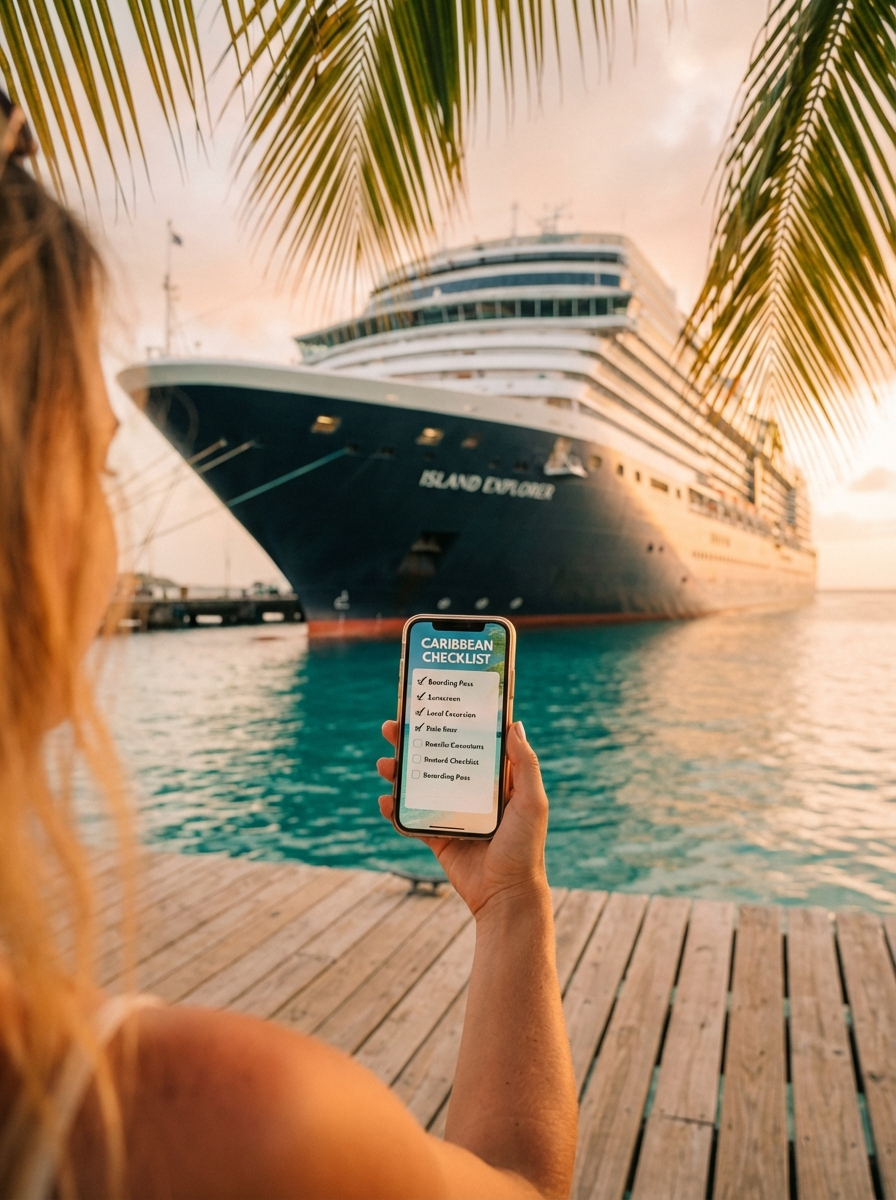
This Mom Planned Her Family Cruise in Half the Time with AI. Here's How.
A few weeks ago, a woman in one of my workshops told me she'd been trying to plan a family cruise for three months. Three months. She had 14 browser tabs open, a spreadsheet that was starting to look like a NASA launch plan, and a group text with her mom and sister that had devolved into passive-aggressive emoji use.
Sound familiar? It did to me. Because I have been this woman. I think most of us have been this woman.
Here's the thing about planning a multi-generational family trip: it is not the same as planning a trip for two adults who agree on everything. You've got kids who want waterslides. You've got grandparents who want to sit somewhere quiet and read a book. You've got a teenager who wants to do literally nothing you suggest. You've got one person with a dairy allergy and another one who will eat nothing but chicken fingers.
And you, the planner, are supposed to make everyone happy while also staying under budget and not losing your mind.
So when she told me she'd finally used AI to help and got the whole thing sorted in one afternoon, I asked her to walk me through exactly what she did. Because this is the kind of real, practical, Tuesday-afternoon use of AI that I think more people need to see.
Step 1: Narrowing Down the Cruise Line
This is where most people get stuck before they even start. There are so many cruise lines. They all look the same on the website. They all promise "fun for the whole family" and show stock photos of people laughing near a pool. Very helpful.
She had real constraints, though. Her parents are in their early 70s and her dad uses a cane. Her kids are 7 and 12. Her sister's daughter is 15 and vegetarian. They wanted to leave from a port they could drive to. Budget mattered.
Instead of spending another evening reading cruise review forums from 2019, she opened ChatGPT and typed something like this:
She got back a comparison of three actual ships with real details about their accessibility features, kids' clubs by age group, and which ones had dedicated vegetarian menus versus "we can accommodate that if you ask." The kind of information that would've taken her hours to dig out of FAQ pages and Reddit threads.
She still did her own research after that. She checked prices on the cruise line websites. She read a few reviews. But she went from "I have no idea where to start" to "I'm deciding between two options" in about fifteen minutes.
That's the part people miss. AI didn't make the decision for her. It got her to the point where she could actually make a decision.
Step 2: Building the Day-by-Day Itinerary
Once she booked the cruise, the next problem was figuring out what everyone would actually do each day. Because a 7-year-old and a 73-year-old with a cane are not doing the same shore excursion. And if you don't have a loose plan, what happens is everyone stands around after breakfast going "I don't know, what do YOU want to do?" until it's somehow 2pm and nobody has done anything.
She asked AI to build a flexible daily plan that accounted for everyone's different energy levels and interests. Not a rigid schedule. More like a framework so the family could split up and regroup without anyone feeling left out.
What came back was a day-by-day layout. Sea days had the grandparents at a morning trivia session and poolside reading while the kids hit the waterslides and the teen checked out the rock climbing wall. Port days had the active group snorkeling while the grandparents did a short guided walking tour or stayed on the ship at the spa.
The best part was the regrouping suggestions. Every day had a time and place where everyone came back together. Dinner at 6:30. The magic show at 8. Sunset from the top deck. So even when people split up during the day, nobody felt like they were off on their own island.
She printed it out and stuck it on the fridge in their cabin. Her mom loved it. Her 12-year-old immediately started lobbying to swap the Tuesday and Wednesday activities, which, honestly, is how you know the plan was working.
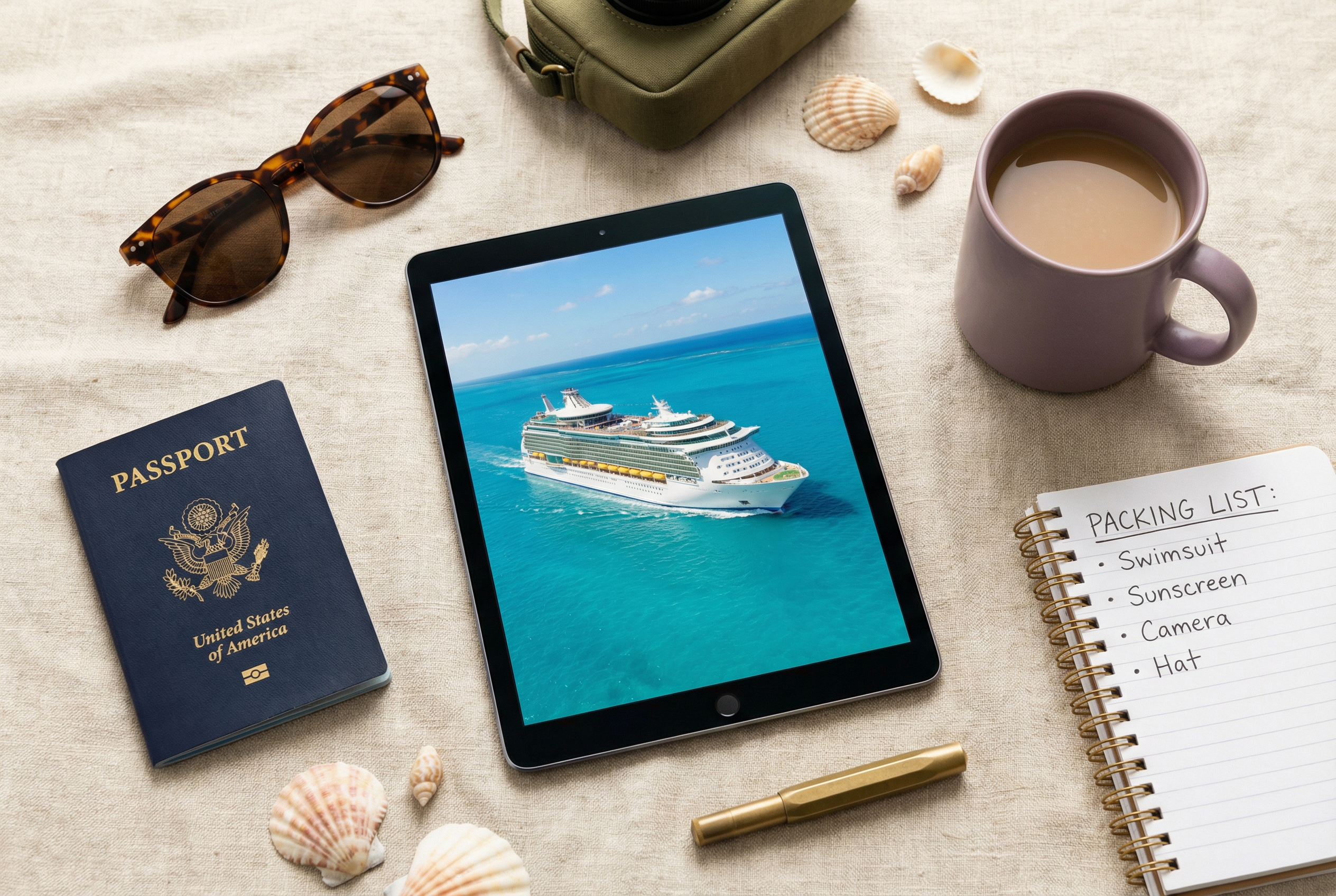
Step 3: The Packing List and Booking Details
You would think packing for a cruise would be straightforward. It's a boat. You need swimsuits and sunscreen. Done.
Except it's not done. Because your 7-year-old needs waterproof shoes for the excursion. Your dad needs his compression socks and a portable seat cushion for the tender boats. You need formal night outfits. Someone is going to forget a phone charger and you're going to end up buying one from the ship gift shop for $35.
She asked AI to build packing lists for each person based on the itinerary they already had.
The "easy to forget" category was worth the whole exercise. Magnetic hooks for the cabin walls (cruise cabins are metal and you have no counter space). A power strip because there's one outlet in the whole room. Dramamine for the first night. A lanyard for the key cards so the kids don't lose them by lunch on day one.
She sent each person their own list. Her sister texted back: "Where was this list the last three vacations?"
What Actually Happened
They went on the cruise. The grandparents had a wonderful time and didn't feel dragged around. The kids were entertained. The vegetarian teenager actually found food she liked every single night. Nobody forgot their charger.
And the woman who told me this story? She said the thing that surprised her most wasn't that AI gave her good answers. It was that she got to enjoy the planning part. For once, it wasn't a second job. It was actually kind of fun to sit down with her coffee on a Saturday morning and go back and forth with ChatGPT about whether the kids would like the catamaran tour or the submarine excursion better.
She spent maybe two hours total. Not three months. Two hours.
If You Want to Try This
You don't need to be planning a cruise. This works for any family trip where you have different ages, different needs, and one person who ends up doing all the work.
The key is being specific in your prompts. Don't say "plan a family vacation." Say exactly who is going, how old they are, what their limitations are, what they like, and what your budget is. The more real details you give, the more useful the answer.
ChatGPT is free at chatgpt.com. Claude is free at claude.ai. Pick one, type in your actual situation, and see what comes back.
You might still end up with 14 browser tabs open. But at least you'll know which ones to close.