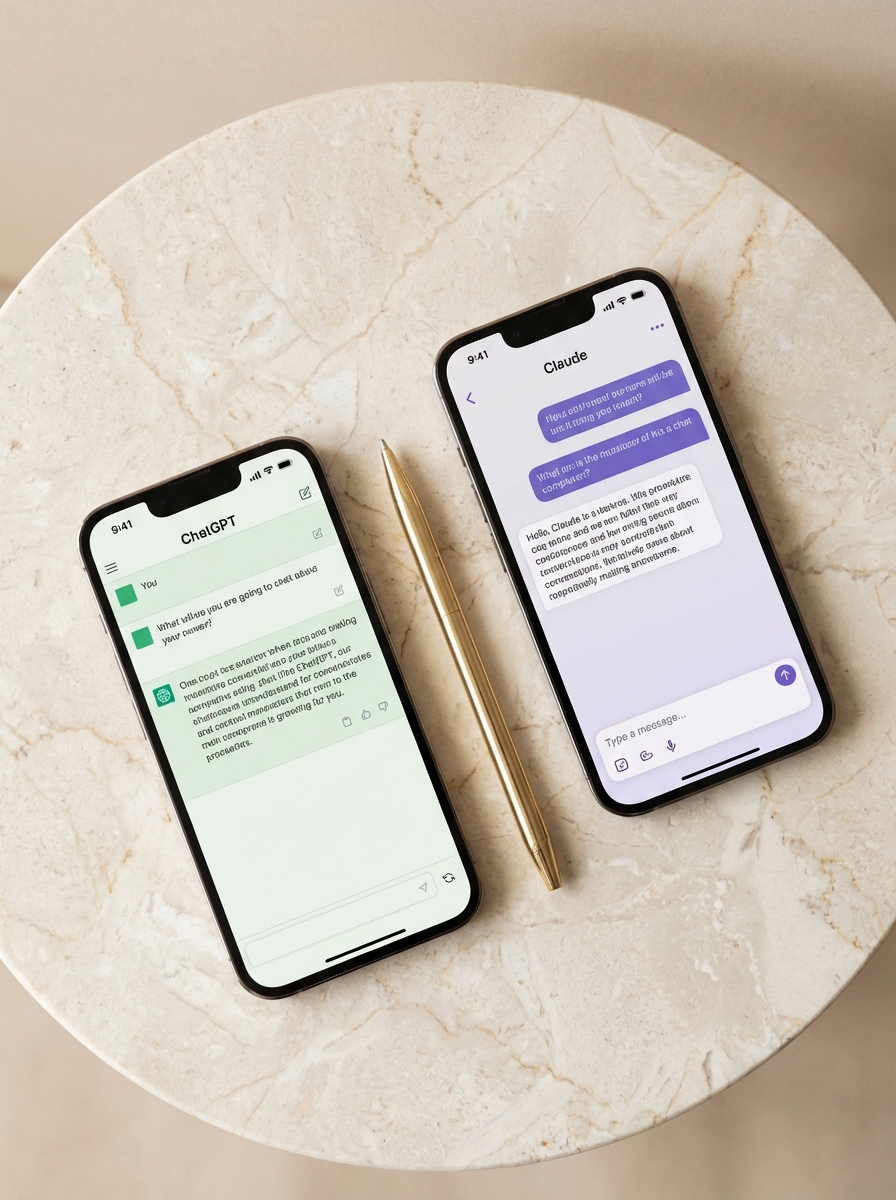
ChatGPT vs. Claude: Here's How I Actually Use Both
My mom called me last spring and said she tried that AI thing everyone was talking about and it told her to look it up herself. She had asked ChatGPT a simple question, gotten a vague non-answer, and concluded that AI was useless.
She had used the wrong prompt. Maybe the wrong tool. Either way, she gave up, and I don't want that to happen to you.
If you've heard about ChatGPT and Claude and you're not sure what either of them actually does or which one is worth your time, here's the honest version. No tech background required.
What These Things Actually Are
ChatGPT and Claude are both AI assistants. You type something to them, they respond. You can ask questions, have them write things, think through problems with you, summarize documents.
They're text tools that feel like talking to a knowledgeable person. A very fast one who never gets tired.
Neither of them is a search engine. They don't always have the most current information (ChatGPT can browse the web if you ask it to, Claude can't). They work from patterns they learned during training, not live internet searches.
And neither of them is scary. They're tools. Good ones, once you know how to use them.
ChatGPT: The One Everyone's Heard Of
chatgpt.com, free. Paid plan is $20/month.
ChatGPT launched in November 2022 and became the fastest-adopted consumer app in history. So yes, when someone in your life mentions "AI," they're probably talking about this one.
The free version gives you GPT-4o, which is OpenAI's current flagship model. That's not a bait-and-switch. The free tier is actually good.
What ChatGPT does well:
- Quick tasks. "Summarize this article." "Give me 10 subject line options for this email." It delivers fast and doesn't overthink it.
- Technical stuff. Spreadsheet formulas, code questions, anything that requires precision.
- Web browsing. You can ask it to look something up right now, and it will. Current news, current prices, real-time information.
- Image generation. The $20/month paid plan includes image creation from text descriptions. The free tier doesn't.
How it feels to use: efficient. Direct. Like texting a very capable assistant who gets to the point.
The free tier can hit rate limits during peak times if you're using it heavily. If you start getting throttled, that's when $20/month starts making sense.
Claude: The One You've Probably Overlooked
claude.ai, free. Paid plan is $20/month.
Claude is made by a company called Anthropic. Fewer people know about it, which is genuinely a shame, because it's the best writing tool I've found.
Anthropic built Claude with an emphasis on careful reasoning and following nuanced instructions. What that means in practice: if you give Claude a lot of context, it uses all of it. If you tell it you want something to sound casual but not sloppy, it holds that line across a whole piece without drifting.
What Claude does well:
- Long-form writing. Blog posts, emails, newsletters. It keeps a consistent voice better than anything else I've used.
- Matching your style. Paste in examples of how you write, ask it to match them. It actually does.
- Long documents. It can read a whole PDF, a contract, a research paper, and answer specific questions about it. The free tier has limits here, but reasonable ones.
- Nuance. Complicated topics, emotional writing, delicate messaging. It handles them with more care than you'd expect.
How it feels to use: warm. Careful. Like talking to someone who actually read what you wrote.
One thing Claude doesn't do: it can't browse the web in real time. If you need current information, you paste it in yourself, or you use ChatGPT for that part.
What About Google Gemini?
gemini.google.com, free. Paid plan is $19.99/month.
Gemini is Google's AI assistant. Worth mentioning if you already live in the Google ecosystem.
If your life runs on Gmail, Google Docs, and Google Calendar, Gemini is built into those tools. You can ask it to summarize an email thread, draft a reply, or pull something from your Drive. That integration is genuinely useful.
As a standalone writing tool, it's solid but not where I personally spend time. For someone who's already deep in Google's world and doesn't want to learn a new platform, it's a reasonable starting point.
Which One Should You Actually Use
Try both. They are both free. You have nothing to lose.
No apps to download. Go to chatgpt.com and claude.ai, create free accounts, and spend ten minutes with each.
Here's a test. Open both tabs. Paste this exact prompt into each one:
Read both responses. One of them will feel more like you. That's your AI.
My Personal Setup
I use Claude for almost everything I write. Blog posts, emails I care about, anything where voice matters. It can hold a consistent tone across a long piece without losing the thread, which, for someone who thinks in paragraphs, is genuinely useful.
I use ChatGPT when I need something fast and specific: quick research, web browsing, or when I need an image generated.
I use Gemini occasionally when I'm already deep in Google Docs and want to summarize something without switching tabs.
None of them replace my own thinking. They're a starting point, not a finish line. But they've changed how fast I can work, and I don't say that about a lot of tools.
You don't have to pick the "right" one before you try anything. You just have to try one. The worst case is you spend ten minutes, don't love it, and close the tab.
The best case is you find something that helps you get unstuck at 11pm when you're staring at a blank document.
Both free. Both two minutes to sign up. Start there.
- ChatGPT free: chatgpt.com
- Claude free: claude.ai
- Google Gemini free: gemini.google.com